Category Archives: session tweaks

jwm screenshot, jwm screen, jwm linux, jwm themes

Golden Windowmaker theme release and few tips

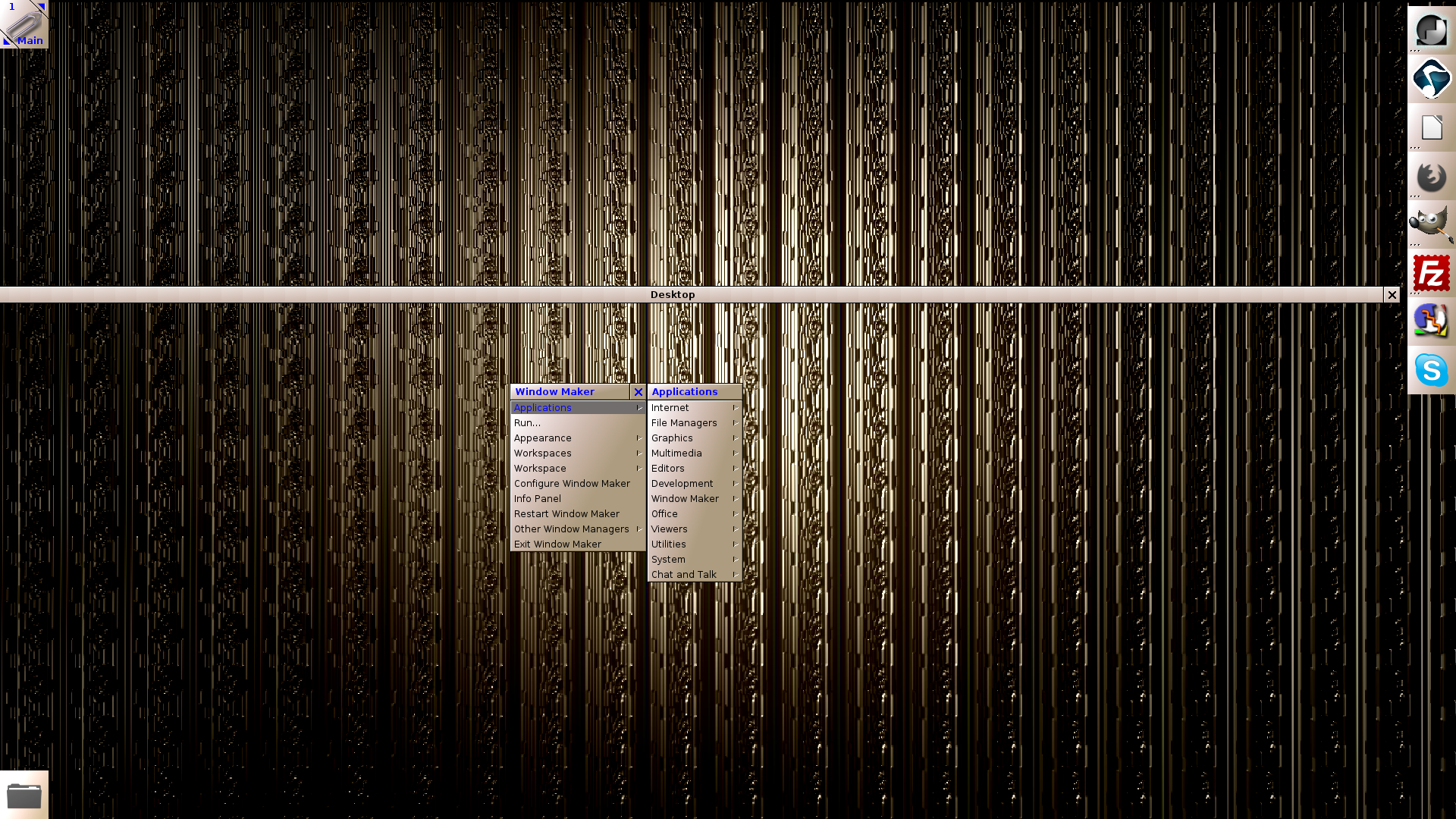
Since it is Sunday it is a perfect time to release  another WindowMaker theme called Golden. The theme has a wallpaper and the traditional theme parts which are needed in order to run it in WindowMaker. This is also GPL like the Darkburn theme. (http://www.techtimejourney.net/?p=520). If you do need any instructions on how to install this theme you  will also find them well documented on my previous blog post about the Darkburn. Continue reading
jwm screenshot, jwm screen, jwm linux. jwm themes

WindowMaker and Darkburn WindowMaker theme

First. What is WindowMaker? WindowMaker is a very lightweight desktop environment which has been around since 1997. WindowMaker is very good to run with older hardware as it does not demand lot from the computer. For modern computers WindowMaker is a good choice if you want a fast desktop which is not bloated with all kinds of software by default. See more from WindowMaker here:  http://windowmaker.org/

Second. What is Darkburn? Darkburn is a theme for WindowMaker which I build. Darkburn is provided as a GPL. Continue reading

Tint2: Alternative config file

First off: welcome to the new home of techtimejourney! As I now begin to elaborate more with this blog what would be a better way to start than giving another example of the great posibilities of tint2 panel. This time I’m going to present a tint2 config which is good for those people who want to have their panel a bit more visible and readable (meaning bigger size). Always remember that you can by all means tweak and customize the values and experiment upon them to create your own tint2 config. So feel free to modify the values below as you please. Continue reading

Integrate terminal client to your desktop: the case of aterm

As I covered the case of top-down terminal tilda in an earlier post I had an idea to write a post about another terminal client which I used during the last few years. This terminal was called aterm: a nice program which you could literally integrate to your desktop.

Aterm is a great terminal to customize and I really recommend to check out the manual pages of aterm for more information: in terminal client(s) type: man aterm. Continue reading